
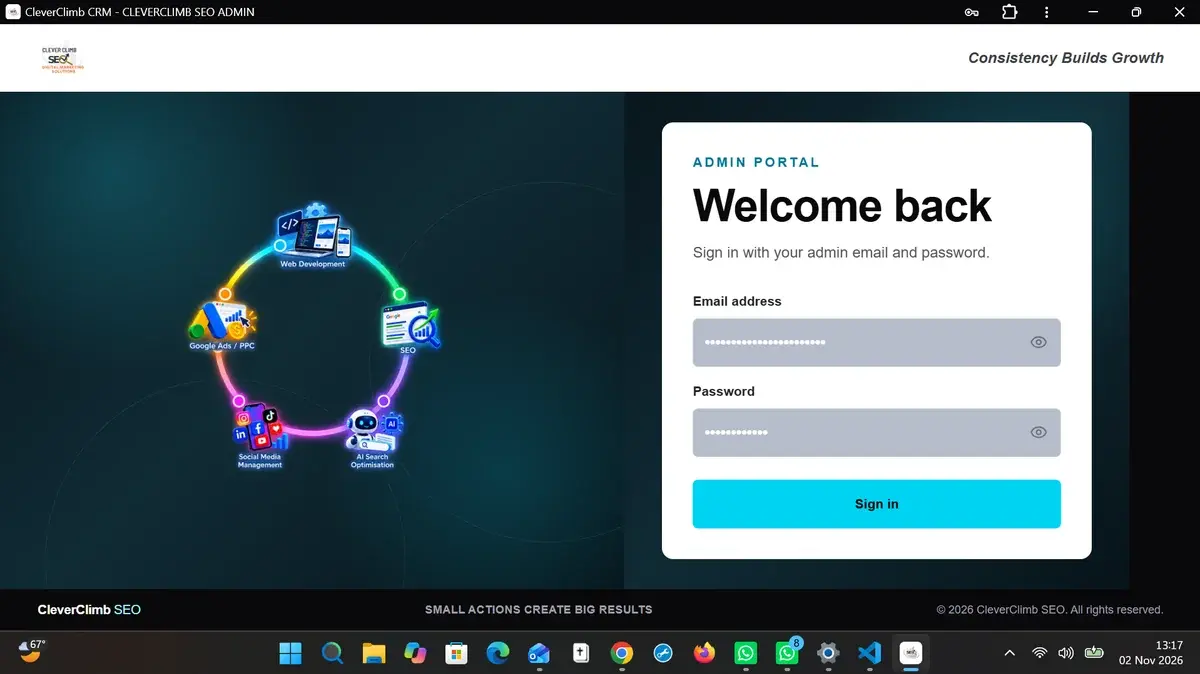
A customer relationship management system becomes useful when it reflects how a business actually works. For CleverClimb SEO, that meant understanding the journey from an initial prospect to a qualified lead, a proposal and, eventually, a client, including what happens when several people work on the same opportunities.
Rather than treating CRM development as an abstract feature list, we created an internal application for our own workflow. The project provides practical evidence of our web-development capabilities: building interfaces, connecting application logic to a database, managing access, organising complex records and helping a team remember its next actions.
This is an internal CleverClimb project, not a claimed external client deployment or an off-the-shelf SaaS product.
The business problem: Follow-ups shouldn't depend on memory
Small agencies can collect enquiries from multiple channels while juggling emails, messaging apps, meetings, website projects and ongoing service delivery. As the number of contacts grows, keeping everything in messages or disconnected spreadsheets becomes difficult.
Our objective was to bring business prospects, leads and clients into one organised application, with related tasks and context visible where the work happens.
We framed the problem around practical questions: Which leads still require a response? Which follow-up is overdue? Who is responsible for the next action? Which service is the prospect interested in? What did the team discuss last time? Which acquisition channels consume budget without producing customers?
The resulting product was designed for our own agency operations, not to demonstrate an artificially polished portfolio dashboard.
Our technical approach
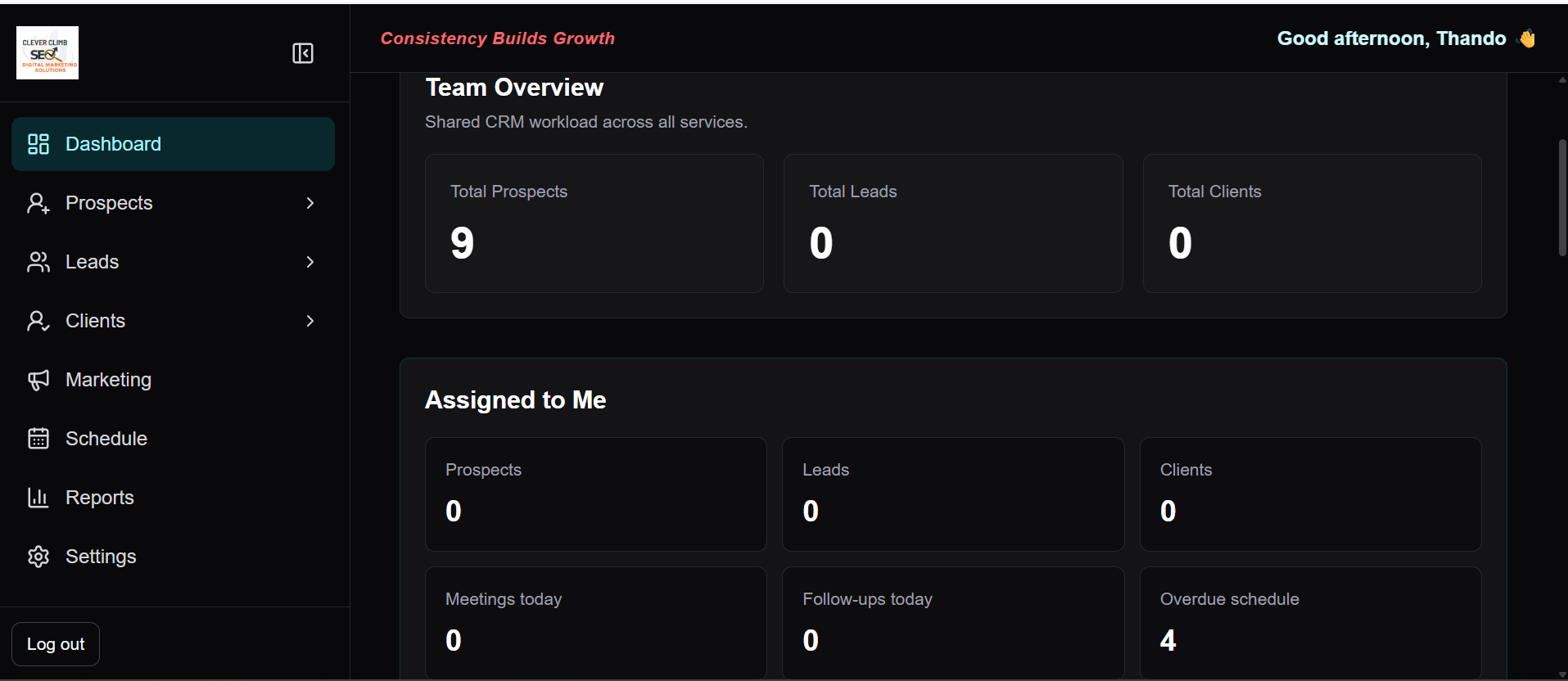
The application uses Next.js to organise administrative pages and application behaviour, with React components for interactive controls. It uses Supabase for authentication and database-backed workflows.
The application organises service-specific prospect and client records, reminders, activity histories and acquisition reports. Authentication and database access rules are part of the implementation; these features do not establish independent performance benchmarks or security certification.
For context, the official Next.js documentation on metadata and server components explains how application framework conventions structure server-owned metadata, while the Supabase Row Level Security guide explains why database policies and grants matter independently of interface authentication.
Feature 1: An explicit prospect → lead → client workflow
The app stores business and service context rather than treating all contacts as a flat address book. It separates prospects, clients and service-specific stages of the relationship.
Why that matters: The question "Who should we contact next?" is different from "Which customers are active?" A workflow model makes the intended next action more visible and supports different service pipelines, such as web-development prospecting.
Feature 2: Reminders and follow-up context
Reminders are integrated with the contact and service context, with a reminder listing, profile links, scheduling labels and follow-up controls.
One implementation concern is making reminders actionable: an overdue task needs a clear route back to the relevant business record, not a notification that leaves a user searching for context.
Reminder controls do not imply guaranteed notification delivery across every browser or device.
Feature 3: An activity history that preserves context
The application includes a profile activity timeline that can load a record's history, with activity descriptions and timestamps. This helps distinguish a contact who has never been approached from one who has already received an email, had a conversation or requires a later follow-up.
The code demonstrates a small but important design decision: load the activity history in its relevant context, instead of asking the user to piece together the contact's history from separate systems.
Feature 4: Tracking acquisition channels and costs
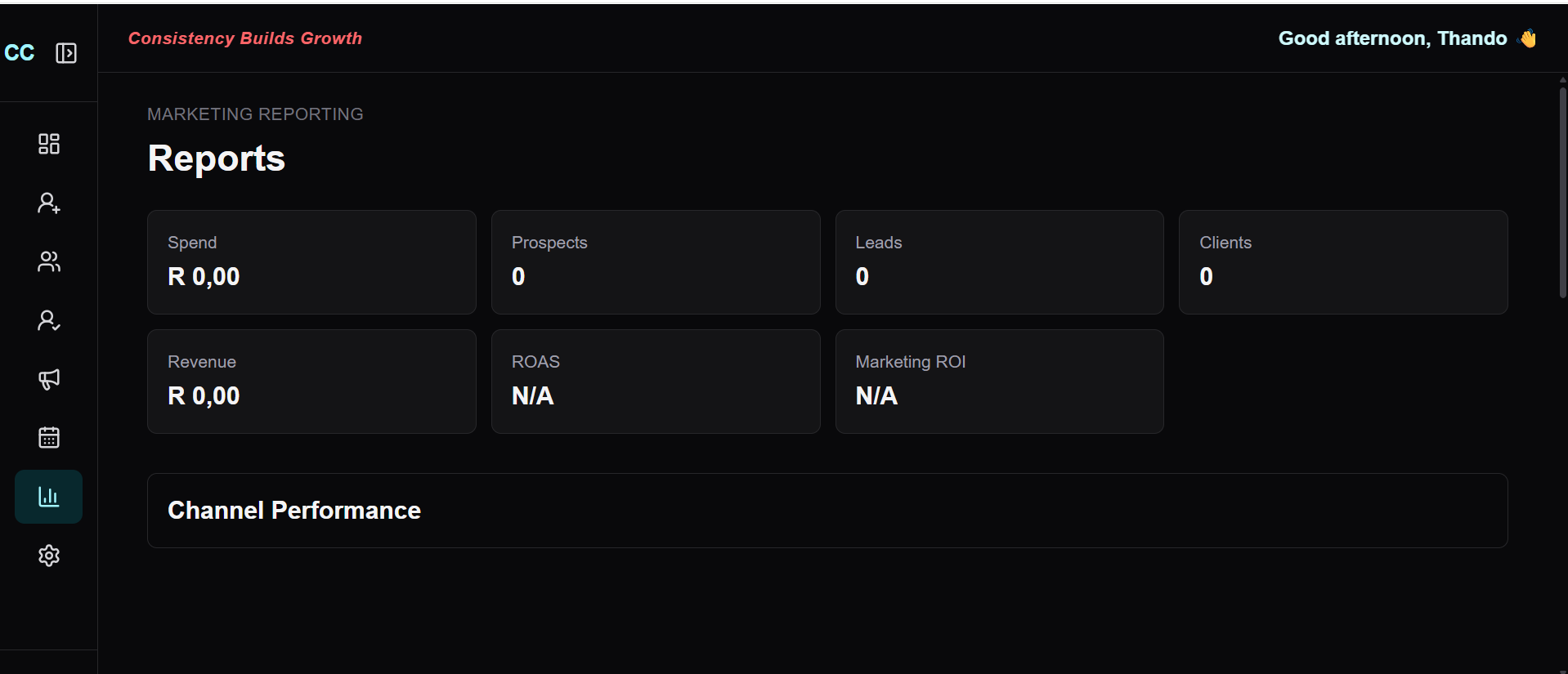
A CRM should not stop at storing names. For an agency spending money on lead sources, visibility into acquisition activity matters.
Our acquisition reporting code assembles data from business profiles, opportunities and acquisition transactions. It includes figures such as sourced businesses, lead and client counts, open opportunities, won opportunities, transactions and channel spend.
The reporting model also distinguishes monetary spend from credit balances and transactions where lead-platform credits are involved. That distinction helps avoid misreading prepaid lead credits as immediate equivalent business value.
Limitation: The existence of a reporting function is not proof of positive campaign return on investment. Real ROI requires complete, correctly attributed spending and outcome data.
Feature 5: Database access rules, not just hidden buttons
Administrative applications manage information that should not be publicly disclosed. This makes authentication and authorisation part of the product design.
The codebase includes Supabase authentication integration and SQL files for Row Level Security policies, profile ownership and activities. Database policies should control which records and operations an authenticated user can access. Merely hiding a menu item is not an access-control boundary.
The official Supabase guidance explains that SQL grants and RLS policies are separate controls and should be tested together. Our case study should not be interpreted as an independent penetration test or security certification of the running application.
Public screenshots exclude private database records, customer contact information, credentials, tokens and sensitive source configuration.
What this project taught us about business software
Three lessons stand out from implementing our own operational tool.
First, data structures follow the work. A prospect needs status, service context and the next action. A client requires a different view of the relationship.
Second, usefulness depends on transitions. Adding a reminder is less valuable if it cannot take the user back to the correct record. Logging an activity has little value if it is difficult to retrieve when preparing a follow-up.
Third, reporting requires careful definitions. Revenue, pipeline value, purchased credits and consumed credits are not interchangeable. The application should present them accordingly.
We encountered these questions in the course of making software for our own business, which is a more useful experience to draw on than simply listing frameworks we know.
What the implementation demonstrates
The application brings together:
- Next.js and React interfaces with Supabase-backed authentication and records.
- Prospect and client routes, reminder controls and actions.
- Profile activity components.
- Acquisition channel and cost reporting.
- Database access rules for lifecycle records and activities.
These features do not amount to:
- An independent security audit or accessibility certification.
- A quantified improvement in sales conversion or staff productivity.
- A commercial multi-tenant SaaS release.
- A promise that the CRM code or its business data will be publicly available.
Why it matters for our development clients
Whether a client needs a lead-management workflow, enquiry portal, booking system, internal dashboard or another custom application, the questions are similar: what happens to the information, who can see it, what actions should follow and how does the software stay manageable?
Our internal CRM is one example of turning those questions into code, database design and an operational interface. It illustrates the type of problem-solving we bring to custom web development.