
You've opened Google Search Console and seen hundreds or thousands of impressions. That sounds promising, but the clicks column is still close to zero. Does it mean Google dislikes your website? Not necessarily. An impression means your result was displayed or otherwise counted under Google's reporting rules; it does not mean someone visited your site, read the page or considered contacting you.
This distinction matters for businesses investing in search engine optimisation. A website can be eligible to appear for many searches without being visible enough, relevant enough or compelling enough to receive meaningful traffic. Here is how to investigate the problem without jumping to conclusions.
1. First understand the four Search Console metrics
| Metric | What it tells you | What it doesn't tell you |
|---|---|---|
| Impressions | How often your result was counted as appearing in search. | Whether someone saw, noticed or clicked it. |
| Clicks | Visits to your site recorded from eligible Google search results. | Whether the visitor became a customer. |
| CTR | The share of impressions that resulted in clicks. | Why a particular person did or didn't click. |
| Average position | The average recorded position for the result across impressions. | A fixed rank for every user, device or location. |
Suppose a service page records 500 impressions, 0 clicks and an average position of 38. The most plausible initial hypothesis is limited visibility: many users simply do not reach results that far down. Rewriting the meta description might make little difference until the page becomes more competitive.
Contrast that with a page averaging position 3 but receiving very few clicks across substantial impressions. That deserves a different investigation: query intent, the result's appearance, the search features on the page and whether a different URL is answering the query.
2. Find out which searches generated the impressions
In Search Console, open Performance → Search results and choose a useful date range. Start with a complete month rather than a single day. Review the Queries table, then select the specific query to inspect the Pages tab. You can also start with a landing page and see which searches lead to it.
Group terms by purpose. A person searching what is technical SEO may be learning; someone searching SEO services South Africa may be evaluating a provider. Both queries can create impressions, but the best page for each is usually different.
A useful diagnostic question is: Would a visitor with this exact search be satisfied by the page Google currently shows? If not, the problem may be page intent or content coverage, not simply the title tag.
3. Check ranking position before changing the snippet
Search Console averages rankings across the impressions in your selected period. Mobile and desktop results can differ, as can searches made in Cape Town, Johannesburg or elsewhere. Use the device filter and a sensible date comparison to understand the pattern.
Prioritise queries where your page has relevant commercial intent and is already within reach of stronger positions. If an important query generally appears near the boundary between pages one and two, improvements to page usefulness, internal linking and search intent may be more promising than chasing dozens of unrelated low-value queries.
Do not treat a short-term average-position improvement as proof that a single change worked. Search results vary and positions fluctuate.
4. Look at the real results page
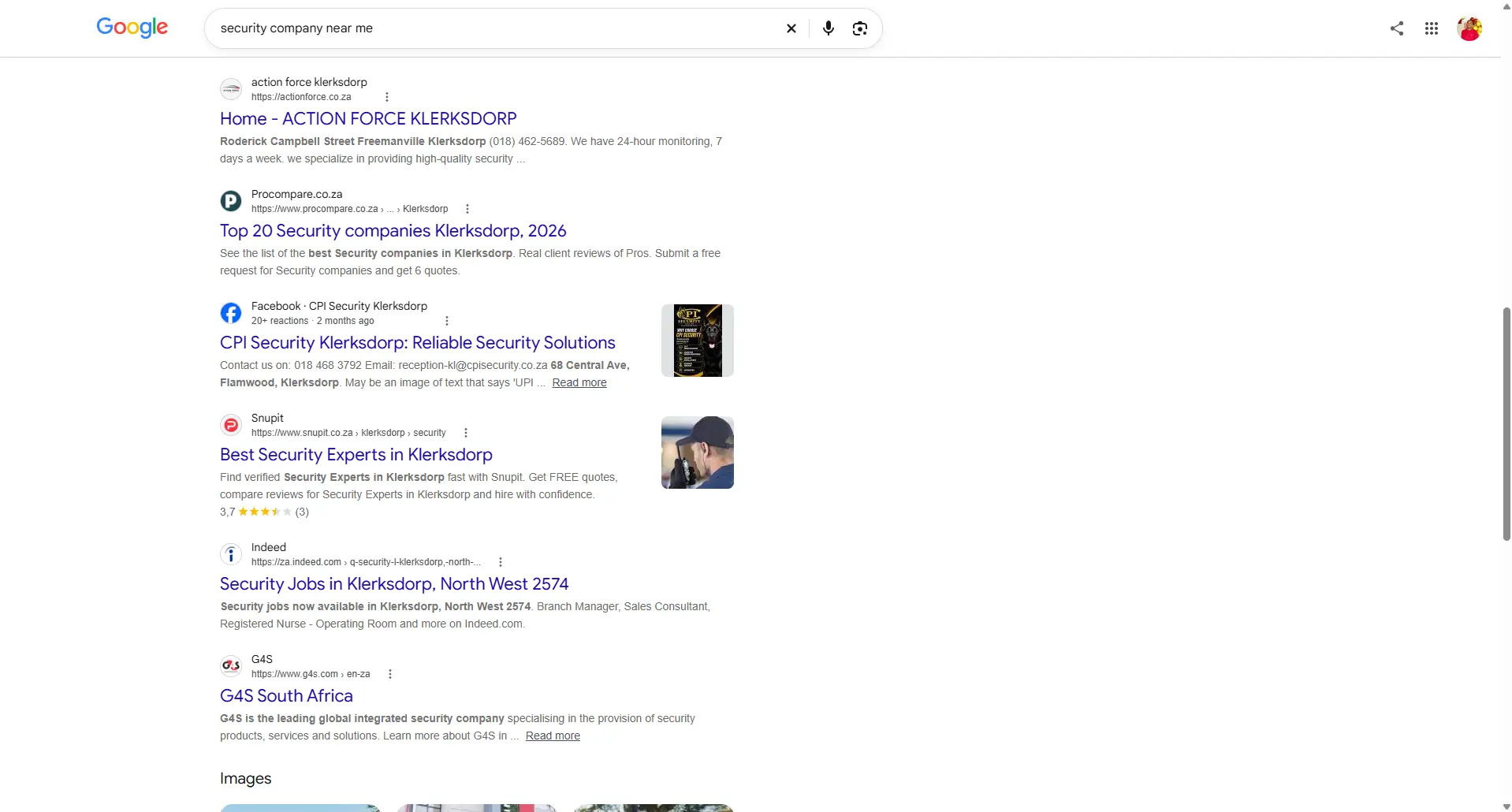
Search the phrase using an appropriate location and device, then compare the pages that appear. Google may show agency websites, a local business pack, videos, a shopping experience, an AI Overview or directories. These features affect where attention goes and can make a simple ranking-versus-CTR comparison misleading.
Ask what the top results provide that your page doesn't. It could be clearer pricing, a better explanation of services, relevant examples, stronger location information or a more convenient way to enquire. Copying a competitor word for word will not create a better customer experience.
5. Improve the whole page, including the SEO title
A descriptive title and useful meta description matter, but they cannot compensate for a page that fails to answer the search. Review the page as a prospective customer would. Is the service immediately clear? Does the page explain what is included? Are contact options easy to find? Does it show evidence rather than unsupported superlatives?
- Title: describe the page accurately, with the main topic expressed naturally.
- Opening copy: confirm that the visitor has reached the right service or resource.
- Headings: organise meaningful questions and deliverables, not a series of repeated keywords.
- Internal links: help readers move from informational content to the appropriate service or pricing page.
- Mobile experience: check readability, page speed, navigation and the enquiry path.
Google may rewrite how a page title or description is displayed. Treat the HTML metadata as a clear description, not a guarantee of the exact search snippet.
6. Check whether multiple pages are targeting the same search
Sometimes Search Console shows your homepage and a service page for the same query. That does not automatically mean harmful keyword cannibalisation. A broad homepage can rank for service terms while the dedicated page serves a deeper evaluation intent.
Inspect which page is more useful for the search, whether titles and headings clearly distinguish their purpose, and whether internal links point to the intended destination. Avoid creating new pages for every tiny keyword variation. One comprehensive page is often a better answer than several near-duplicates.
7. Separate click problems from conversion problems
A page receiving zero clicks cannot generate website conversions from those search impressions. But once clicks arrive, a second question begins: do visitors actually take useful action? That requires appropriately configured analytics and form, call or purchase measurement.
An SEO report should distinguish impressions, clicks, engaged visits, enquiries and confirmed sales. They are different stages of the journey. Growing impressions can be an early signal of visibility, but it should not be presented as revenue growth.
8. A practical 30-minute diagnostic checklist
- Choose a 28-day or one-month period and record the current baseline.
- Identify five relevant queries with impressions but weak click performance.
- Check the page shown for each query and its average position by device.
- Open the real search results and note competing page types and features.
- Choose one page whose content or targeting can genuinely be improved.
- Make the change, record the date and review the trend over an appropriate period.
Don't optimise every impression
A high-volume keyword can be irrelevant to your services, and an informational question may not lead directly to an enquiry. Prioritise the searches that matter to your customers and business goals.
For the complete project evidence and decisions, read our Search Console SEO case study. It sets out the historical GSC query-page observations, the research sequence and how we prioritised next steps.
How this relates to our own SEO research
In our own website's Search Console data for 27 September to 24 October 2026, the query seo packages south africa generated 145 impressions for our SEO Pricing page at an average position of approximately 51.9, with no clicks. By contrast, the homepage received 243 impressions for seo servicesat an average position of approximately 3.8, also with no clicks. Those two observations require different investigations, not a universal fix for a low CTR. We document supporting technical and keyword research in our public SEO project repository. These historical observations are diagnostic evidence; they do not establish an increase in traffic or enquiries.
What to do next
If Google is displaying your website but relevant visitors aren't arriving, start with diagnosis rather than assumptions. An SEO review can clarify whether the main limitation is visibility, intent, on-page relevance, technical accessibility or the way customers move through the site.
For an introduction to the underlying process, read our How SEO Works guide. You can also explore CleverClimb's SEO services ordiscuss your website with us.
Further reading
Google's Search Console Performance report documentation explains the metrics and filtering options. Its SEO Starter Guide provides additional technical and content guidance. Google's title-link guidance and snippet guidance explain why metadata is only part of what may appear in search results.